The timeline tool for creative thinking. Capture, create and explore ideas.

Download Trial
Buy Direct
Available on the Mac App Store

Model Relationships

Model Relationships

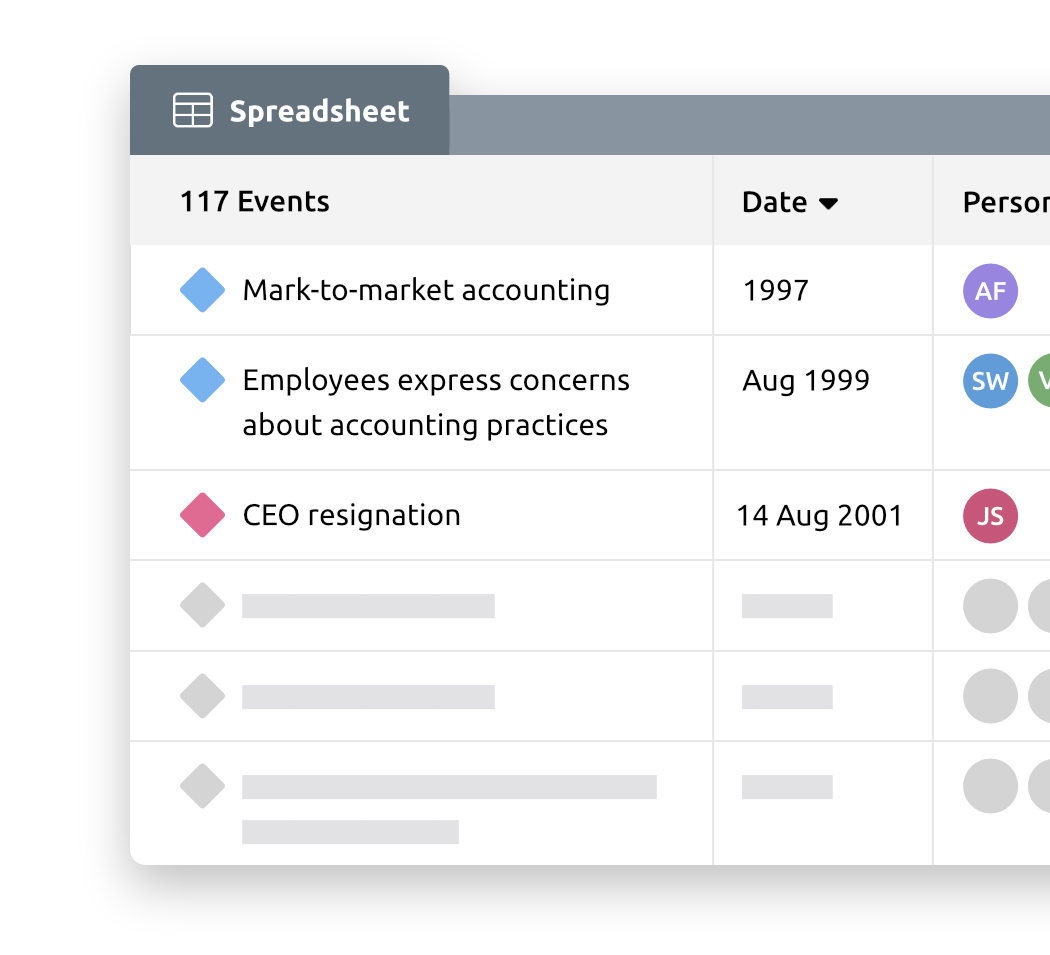
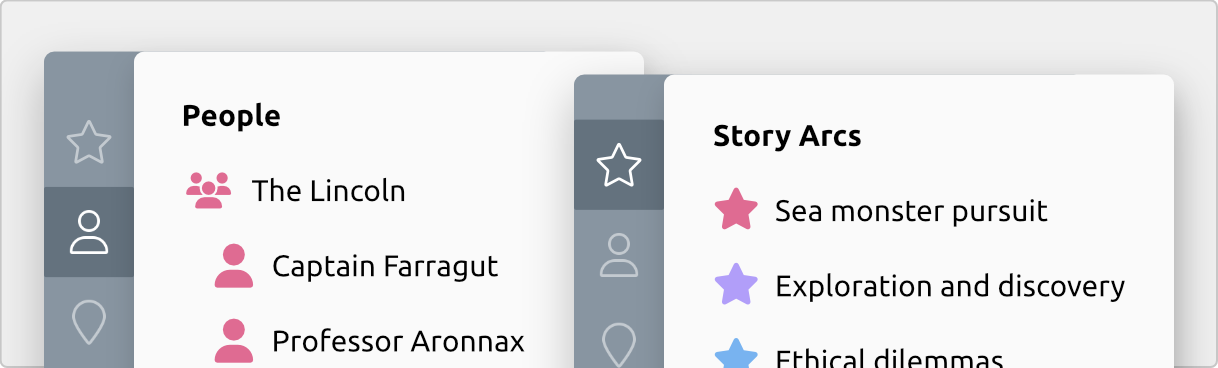
More than dots on a never-ending line, model the relationships between events and the people, places and ideas that make that event reality. Let Aeon calculate ages for you.

Concurrent Arcs

Concurrent Arcs

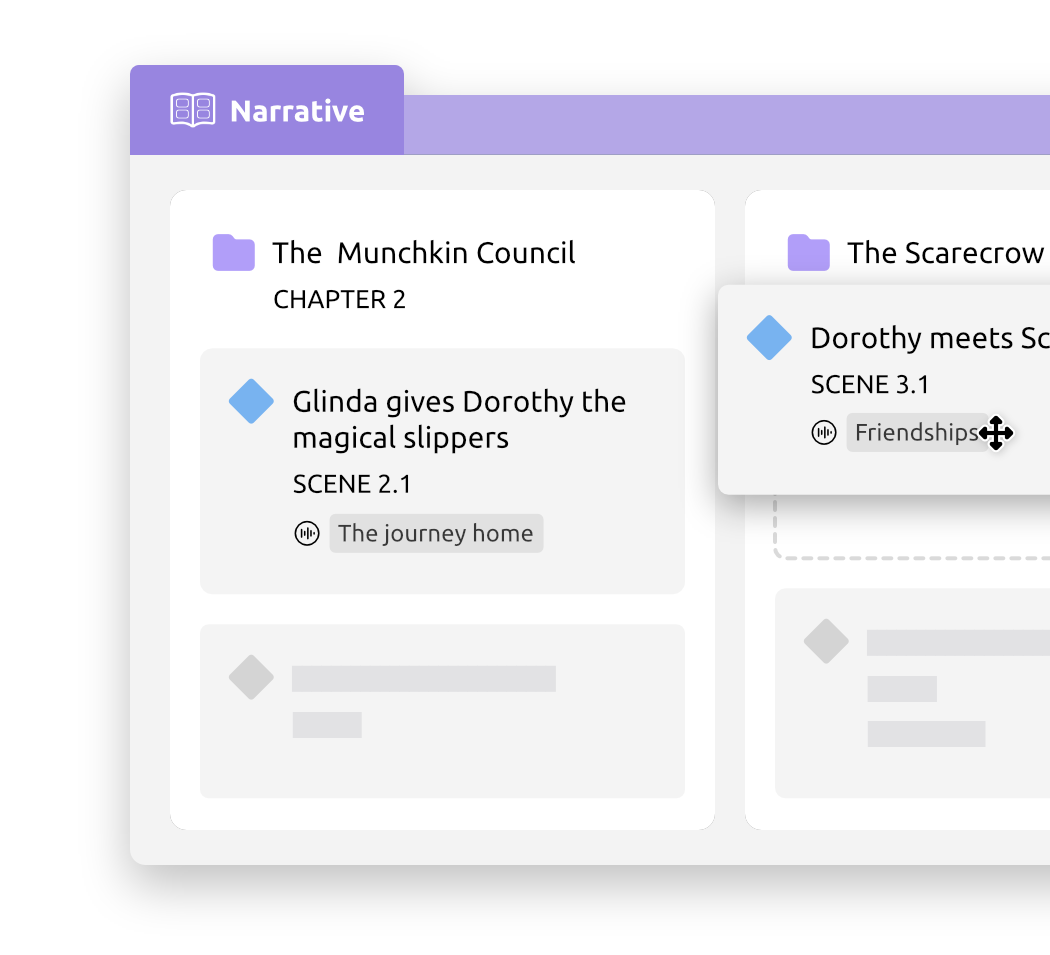
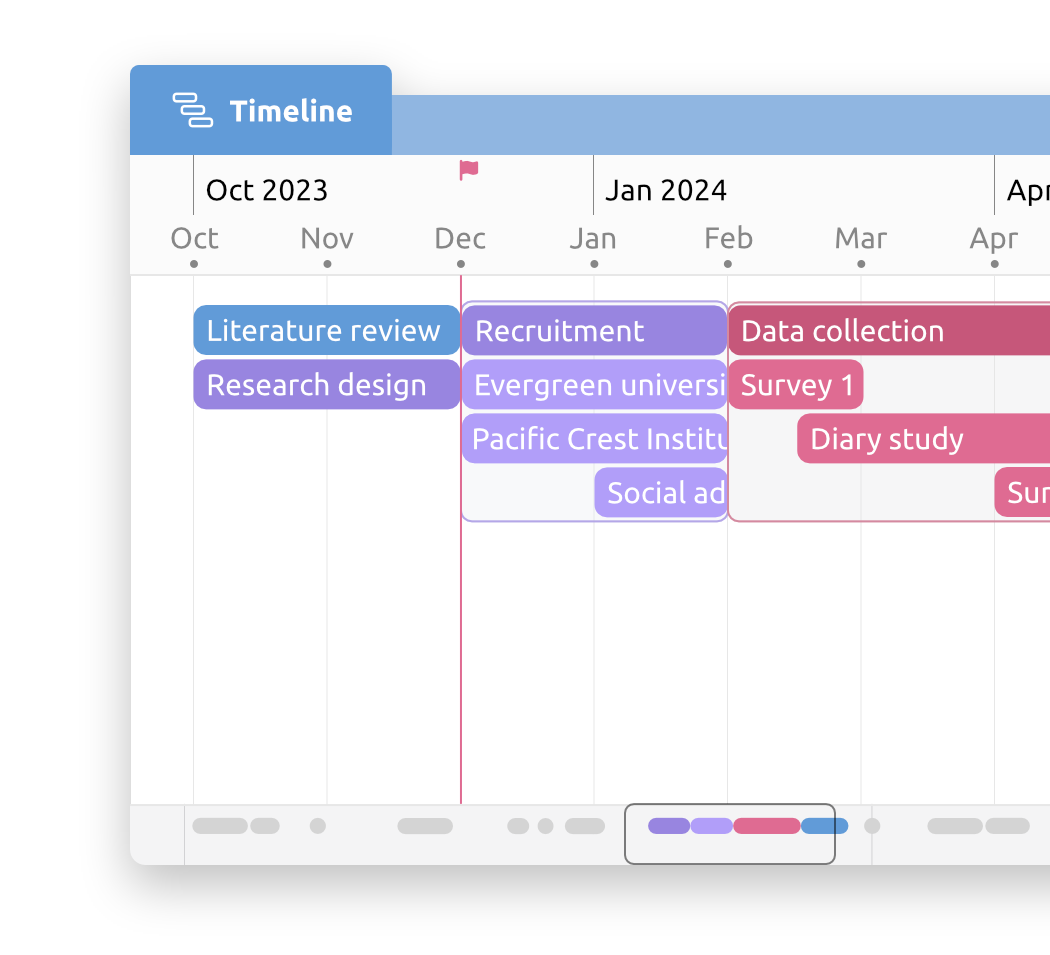
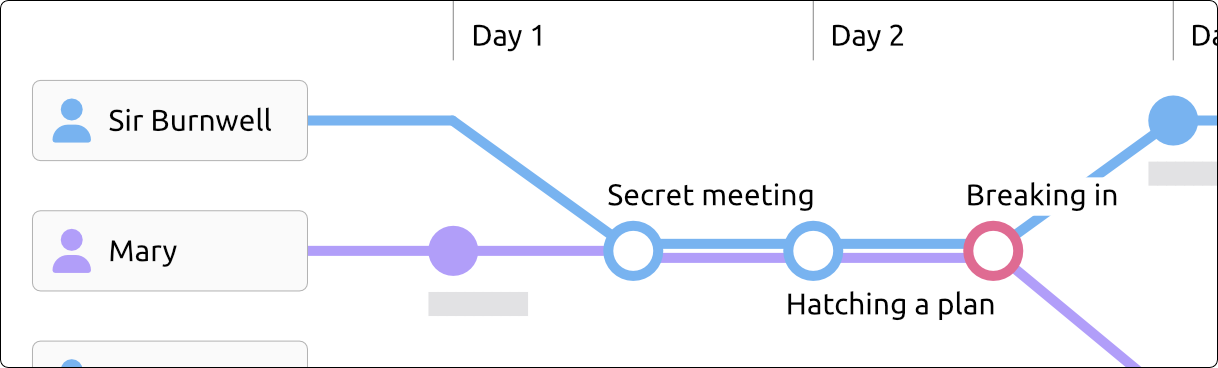
Model parallel, concurrent arcs. Consider alternative paths someone could take, discrepancies in witness accounts, explore the intricacies of time travel, or just divide events by ideas, place or person.

Navigate and Edit

Navigate and Edit

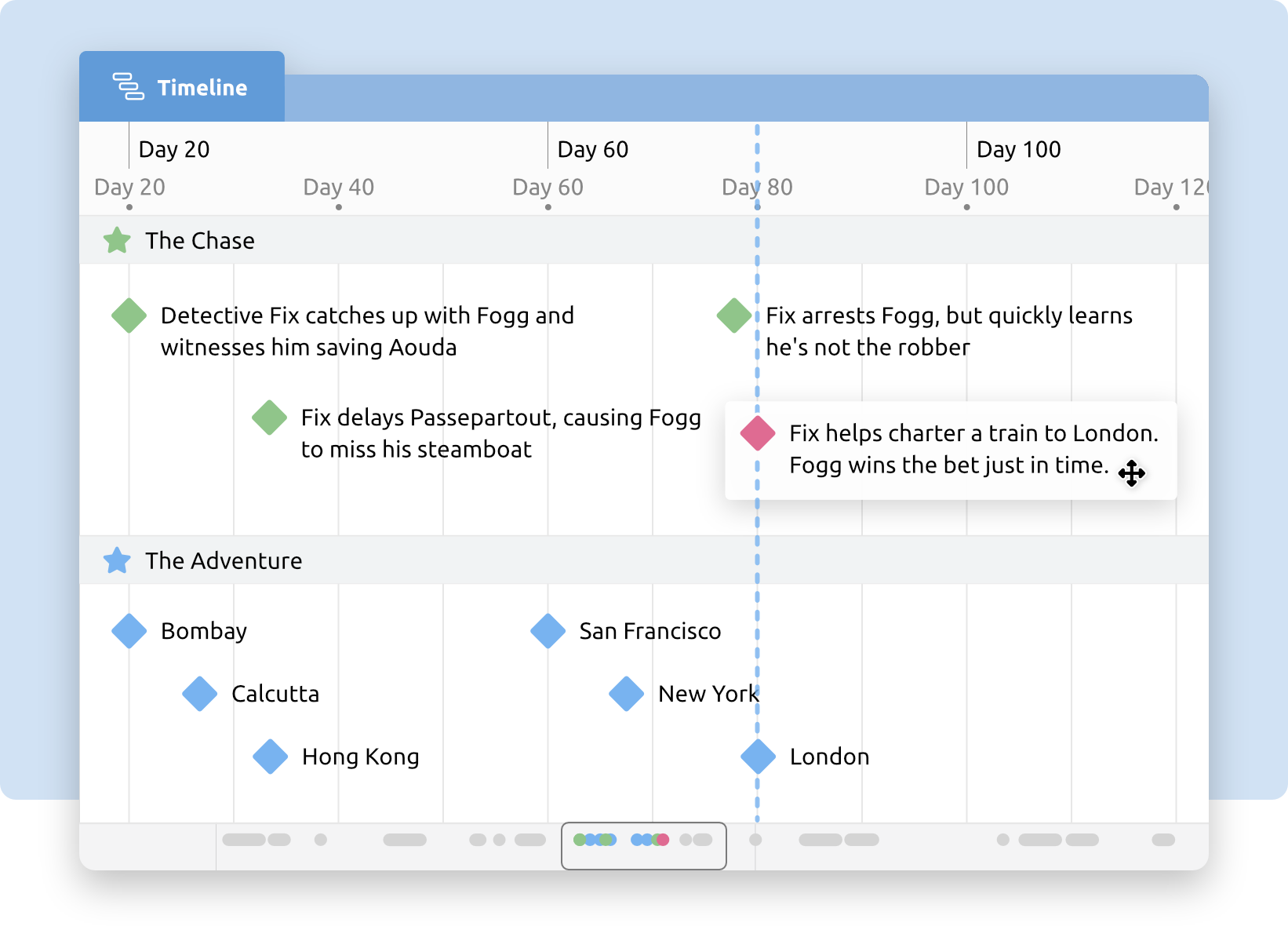
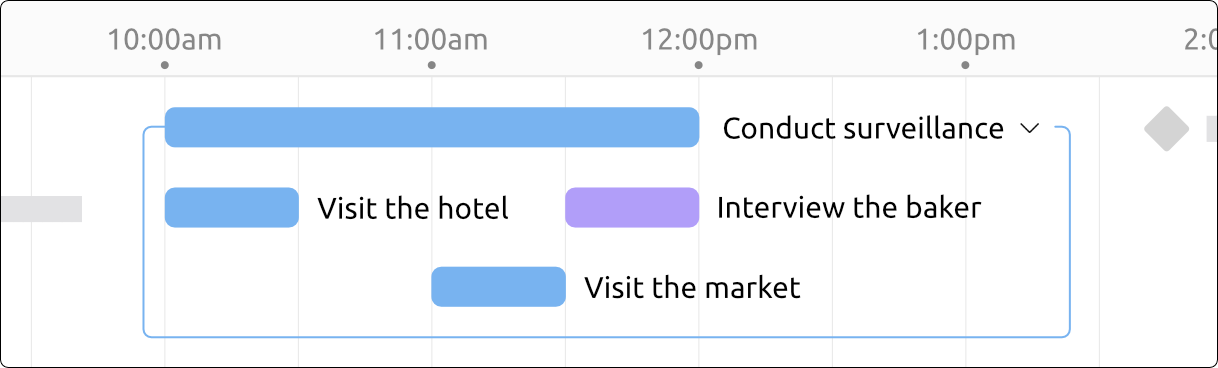
Most timeline tools are static. With Aeon, you can navigate your timeline, and add, delete, shift and edit events with unobtrusive simplicity. Lock events to prevent accidental edits.

Hidden Complexity

Hidden Complexity

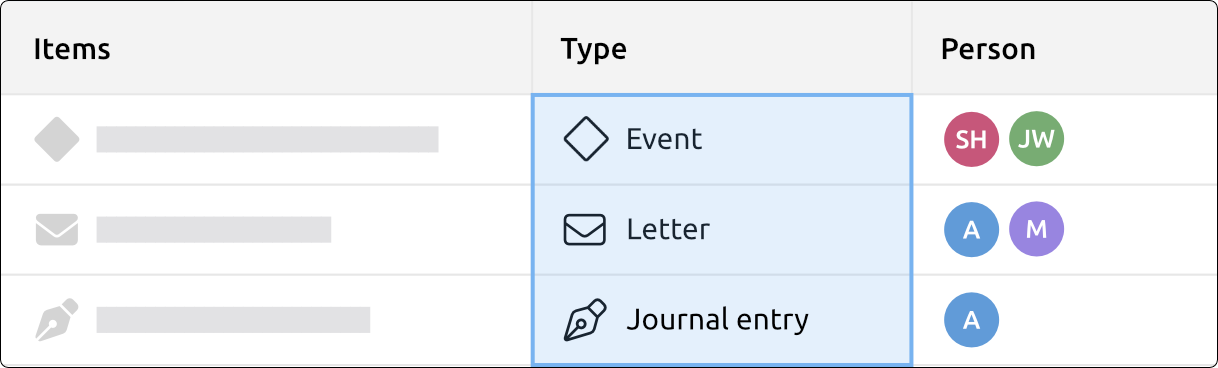
Filter events according to people, places, arcs, labels, and tags. Zoom in to view the time scale you wish to see. The Context Bar will ensure you never get lost.

Fantasy Calendars

Fantasy Calendars

Aeon Timeline is the only timeline tool available for the Mac market that allows the user to create their own custom Fantasy Calendar system.

Data Freedom

Data Freedom

Your timeline is your data, not ours. Export to any number of formats, or synchronize your timeline with Scrivener to keep your planning and drafting in sync.

Buy Aeon Timeline

Available on the Mac App Store

Full feature list

Data

  • Build a timeline in any era, including BC dates.
  • Develop your own custom fantasy calendar format using your own days, months and eras.
  • Assign your events start and end dates and times (or set them to be all day events).
  • Add entities: people, places, ideas, companies, buildings.
  • Create relationships between events and these entities, including people’s births, deaths.
  • Track people’s ages at different events. Capture key events in a person’s history that shaped their development or world view.
  • Group events into different arcs according to people, location, ideas, or different versions of reality.
  • Assign tags (keywords) to events.
  • Record notes about events and entities that can be exported to external applications.
  • Create custom label colours and names to assign to events.

Files and Exporting

  • Synchronize your timeline with a Scrivener project, allowing you to link events to documents, and keep them both up to date with start and end dates, labels, arcs, relationships and notes.
  • Export your timeline to a number of formats, including image files, XHTML, other timeline applications, word processors, or OPML.
  • File format stored as XML to ensure future portability and accessibility.

Navigation

  • Zoom in and out of the timeline using the toolbar, scroll wheel, context bar or trackpad gestures.
  • Filter events by Tag, Entity, Arc, or Label.
  • Save and reload filters for quick access to your most-used combinations.
  • Edit information about events and entities in an Inspector that can be hidden when not in use.
  • Show and hide arcs and entities to reduce visual clutter and focus in on the areas that interest you the most.
  • Text based search to find events.
  • Context Bar provides you with information about your current location within the timeline, and the events that exist around your current viewing position.
  • Lock events to prevent accidental editing.

Application

  • Compatible with Mac OS X 10.5 and later (10.5 and PPC via website purchases only).
  • Fully integrated with new Mac OS X Lion features, including Autosave, Versions, Resume, and Full Screen Mode.

Need help?


Videos

scribblecode-logo

Aeon Timeline is designed and developed by ScribbleCode

Application UI and Website by Resaturate*